Your own PrimeFX space
One touch opens a standalone app window, separate from a long list of browser tabs.
Browse regional guides. Interactive trading tools remain in English until fully localised.
International rolloutA faster way into your PrimeFX world. A dedicated icon, an app-like window and your research desk just one tap from the Home Screen, Dock or desktop.
We have a quick installation path for your windows. Select your device below if needed.
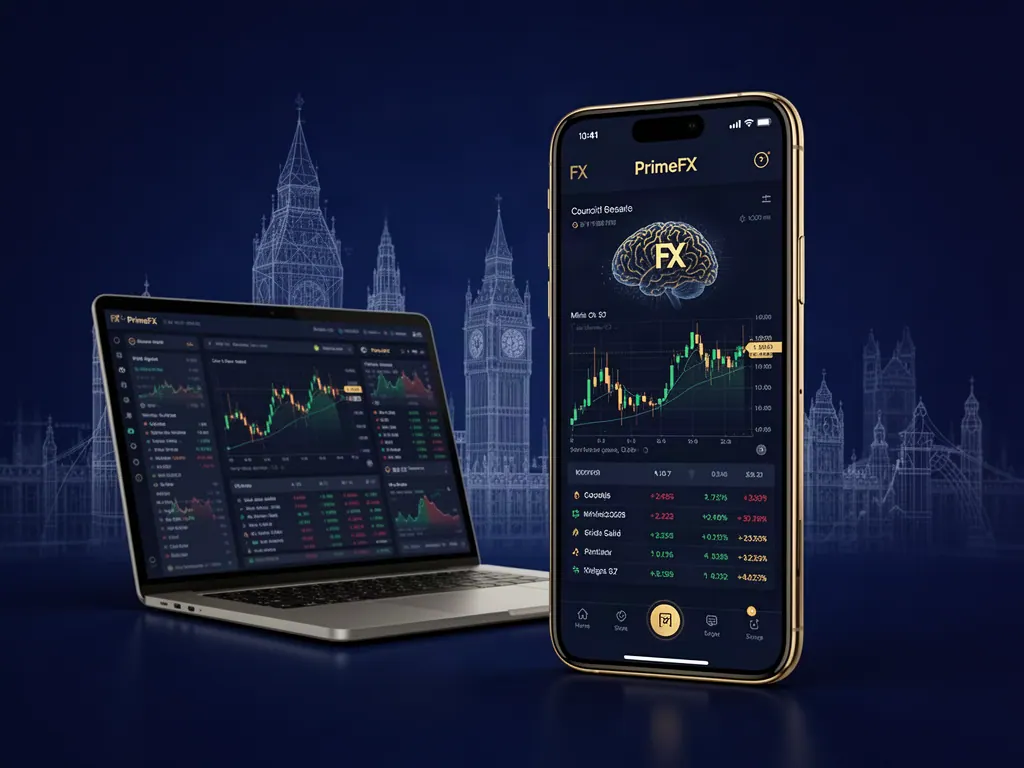
 PRIMEFXYOUR MARKET INTELLIGENCE APP
One touch opens a standalone app window, separate from a long list of browser tabs.
Your existing account permissions, sign-in and member approval still apply inside the app.
Open research and your member account quickly, with Telegram links when you need them. Alerts remain subject to configured delivery.
The website delivers the published experience on re-open. Reload whenever you want the latest interface and market content.
Give your favourite research rooms a place alongside your everyday apps. The same secure PrimeFX account works on every compatible device.
Your research workspace, account, followed instruments and Telegram settings in one familiar place.
Open member sign-in PRIVATE INTELLIGENCE
Your account. Your research. One home.
When your browser supports it, the gold button launches the real installation dialogue. For other browsers, these are the shortest available device steps.
Chrome, Edge or another PWA-capable browser
Tap the gold Install PrimeFX button above if your browser offers it.
Accept the Android install confirmation. A PrimeFX icon appears with your apps.
If no install prompt appears, open the browser menu and choose Install app or Add to Home screen.
The exact menu name can differ between Android browsers. The install prompt appears only when browser eligibility requirements are met.
A quick status view for this device, plus an easy way to bring the app to another screen.
CROWN 530, the living Council, AURUM Gold, research history, Telegram settings and your personal member space stay in one connected PrimeFX experience. Installing doesn't change your account, trading permissions or browser security.